


Simple and Effective Digitization
PaperStream ClickScan lets you scan more quickly to files, emails, apps, and cloud platforms.
Digitizing your business starts with a single click.
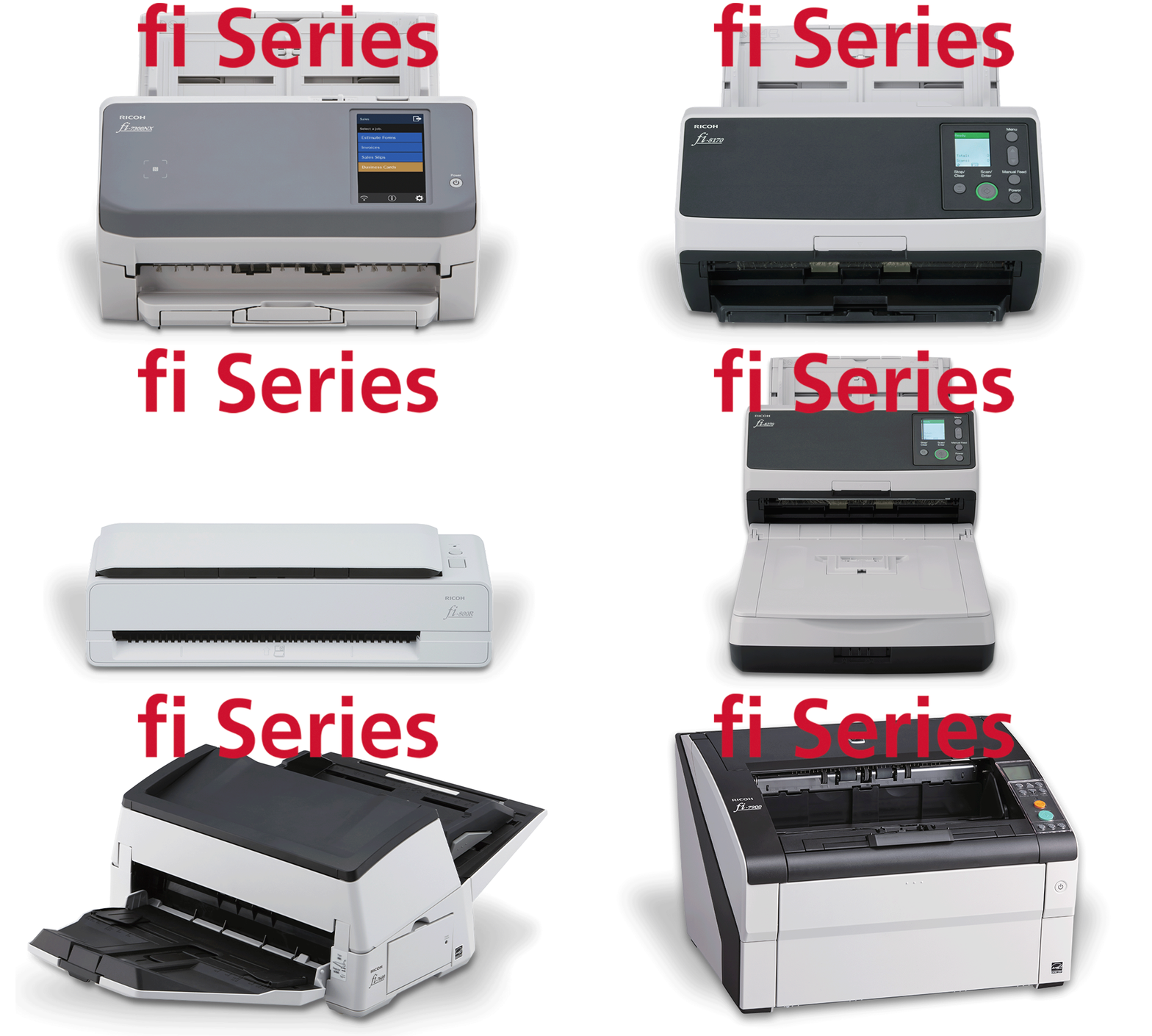
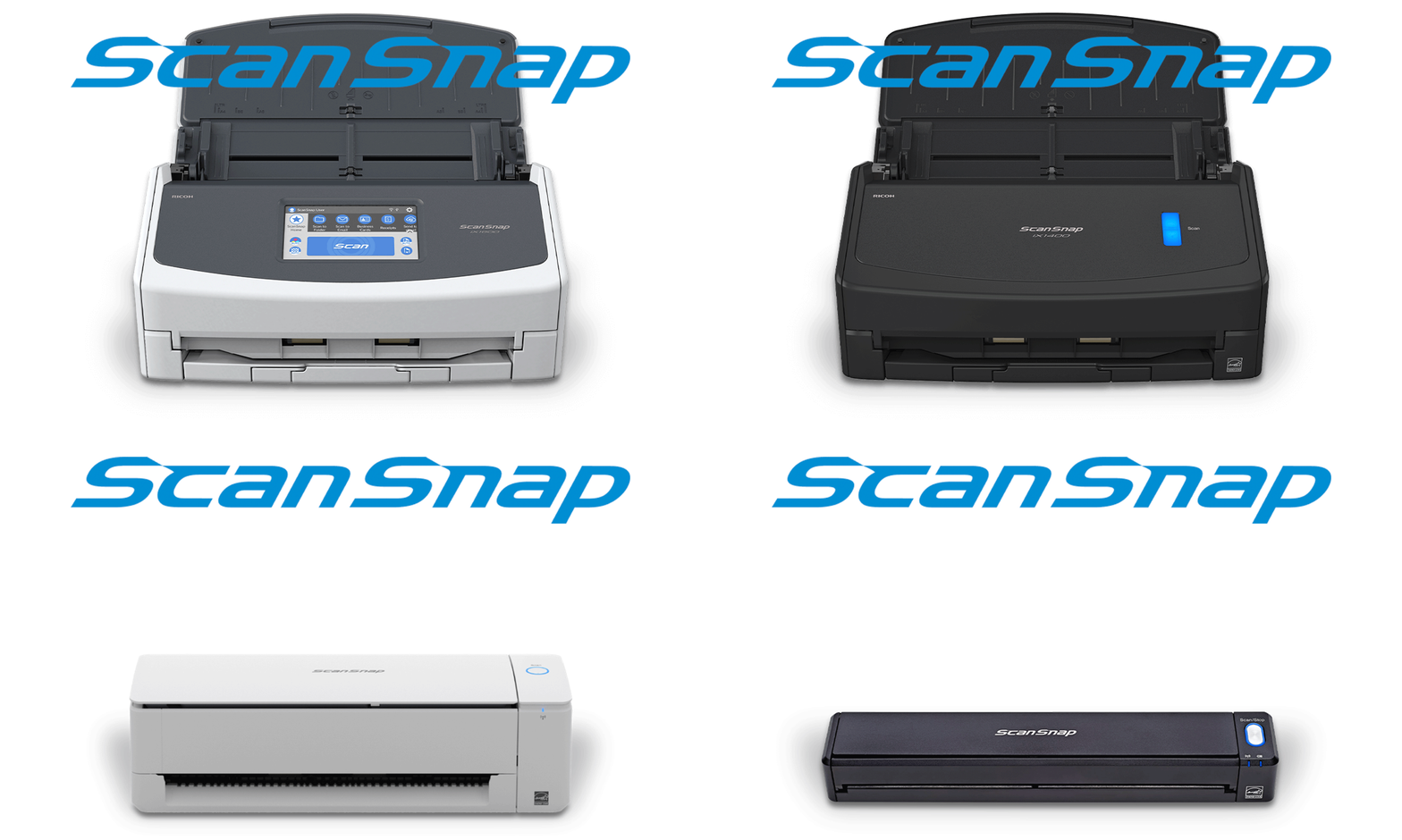
PaperStream ClickScan was developed for users of Ricoh's fi and SP series scanners. ClickScan automatically detects your device, adjusts the settings for you, and delivers high-quality images without any hassle.
PaperStream ClickScan: Click, scan, save, done
Contact usThree Steps to Improve Image Capture

Scan with a single click
It's as easy as counting to three: scan, save, and send. Just place your documents and press the scan button.
Automatic settings that guarantee success
Automatic settings for size, color, double-sided printing, and rotation are enabled to deliver the best images with minimal effort.

Choose your destination
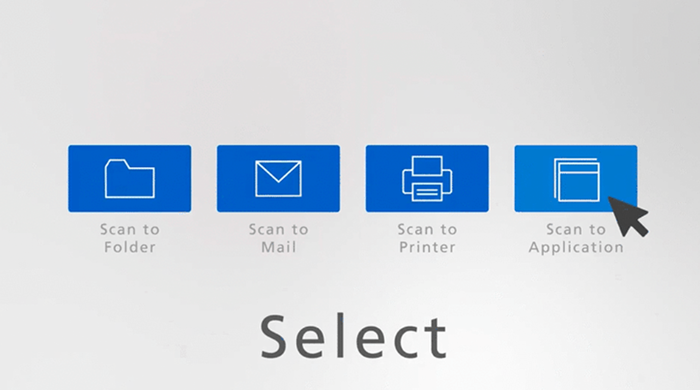
Choose from a wide variety of destinations:
- Scan to file
- Scan to application
- Scan to print
- Scan to email
- Scan to MS Office
Perfect for small batches and occasional scans that don't require advanced data extraction or intensive processing.
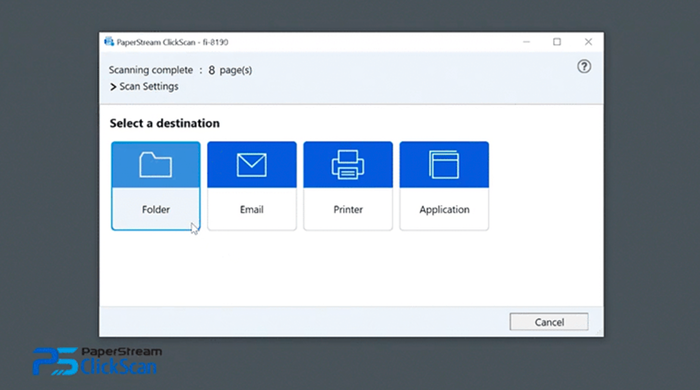
Scan documents of various sizes, view and edit them, then save them to a folder, send by email, print them, or use them in an application.
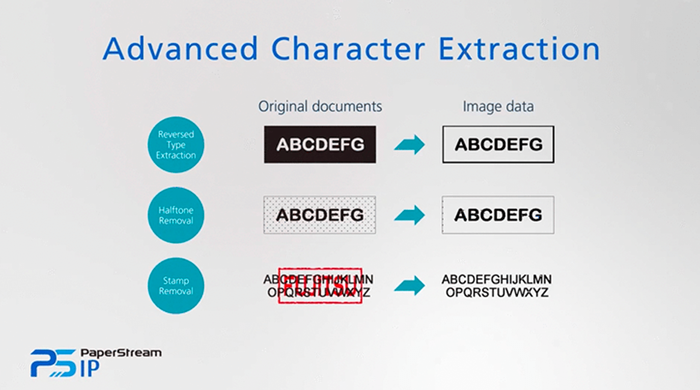
Digitization is a key factor for the success of many businesses. Choosing the right solution can mean significant savings in time and money.
Recommended Products
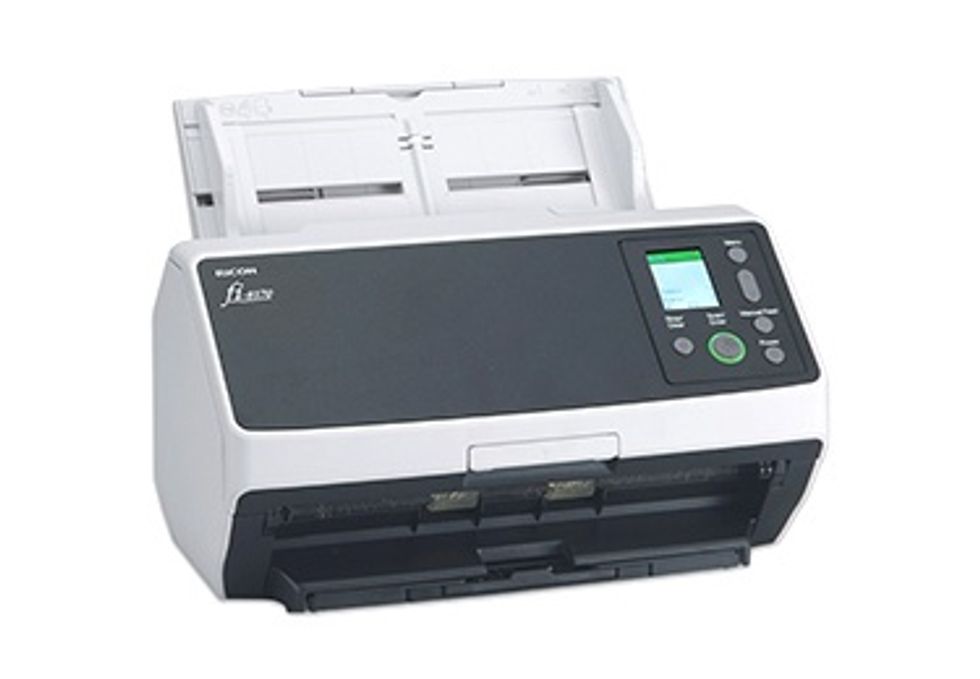
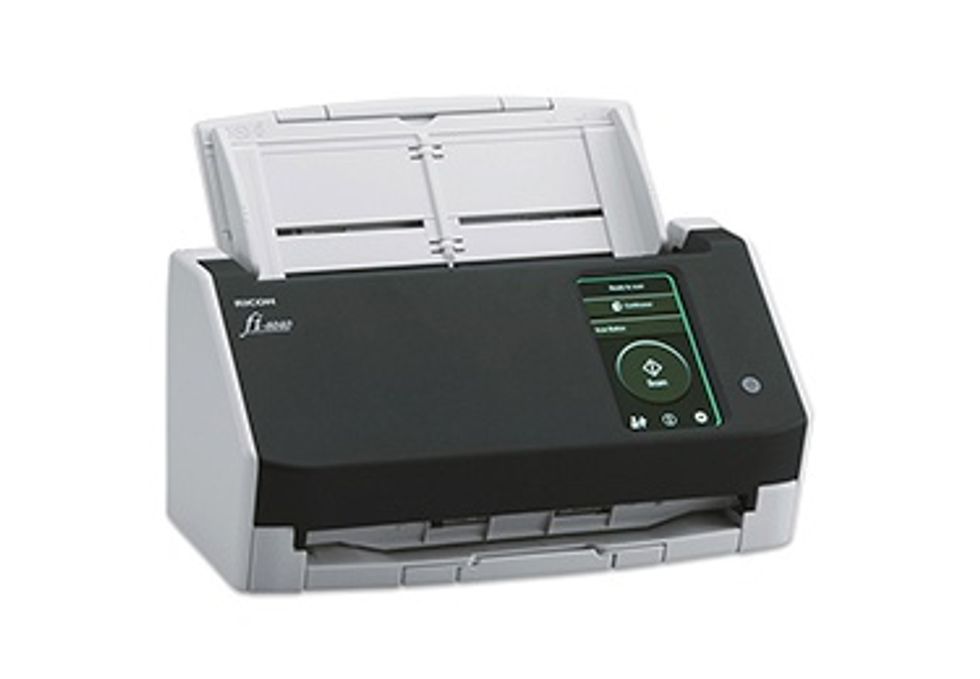
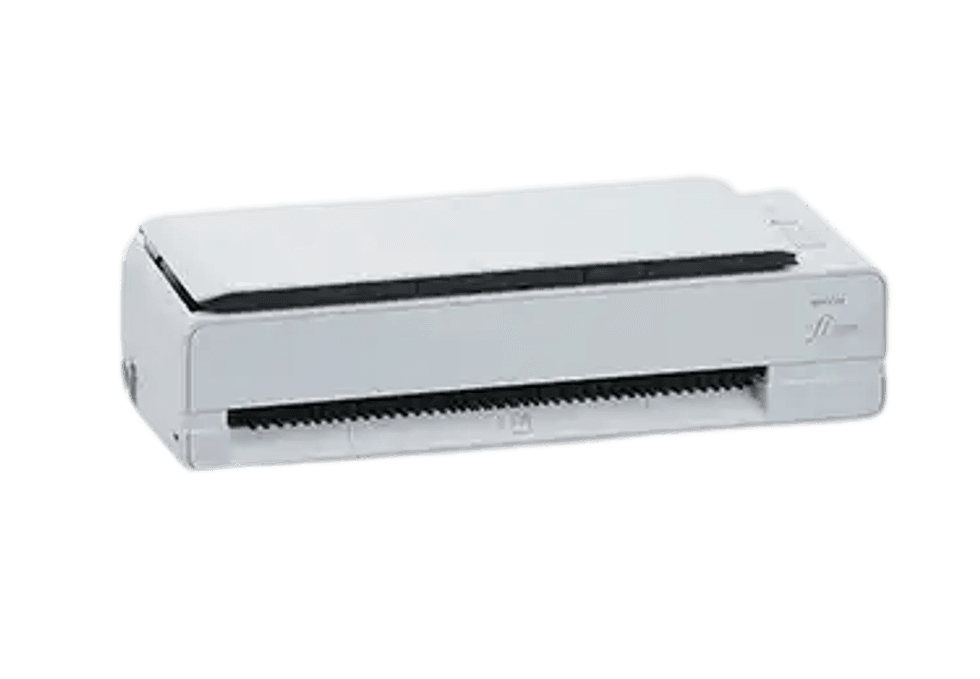 fi-800R
Together is better: comprehensive solutions tailored to your needs
PaperStream ClickScan was developed specifically for the fi and SP series.
Optimize your daily workflows and avoid technical issues by integrating software and services into your scanning processes.