



Turn your documents into smart, always-on workflows
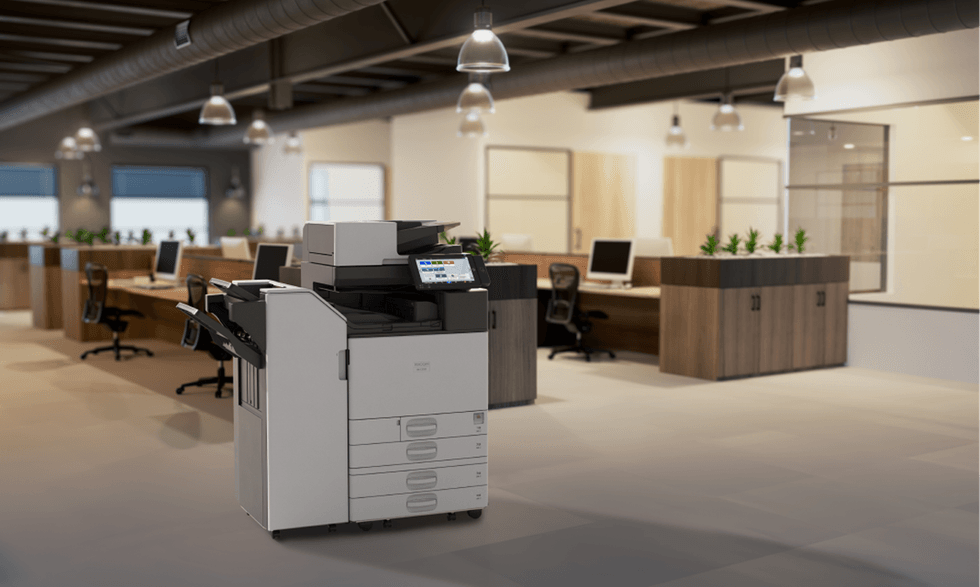
Ricoh promotes smart workspaces that help your business grow, and the automation of print workflows is part of that transformation.
When you scan documents, the system helps you classify them and route them to the correct destination: a document management system, a cloud destination, a local folder with a defined structure, or a folder monitored by a document management system.
You choose the format, settings, and destination; the user selects the workflows from the multifunction printer’s screen, and the system delivers them to the appropriate destination as images or searchable, editable files.
Why choose Ricoh's print workflow automation?

More productivity, fewer manual steps.
Automate document routing to multiple destinations such as: email, DocuWare, SharePoint, OneDrive, Google Drive or other cloud services, local folders, and free up your team's time for higher-value tasks.

Find everything faster
Fill in the fields right from the MFP screen so documents are easy to locate whenever you need them.
Fewer errors, more consistency
Reduce mistakes when scanning, since the administrator can specify which fields are required, as well as their type.

A smarter workspace.
Connect your scanning processes with the rest of your ecosystem, IT, collaboration and security, so your business operates in a more agile and connected way
Digital transformation services

Advanced
Workflow
16-function solution to automate workflows from the MFP to its final destination, with smart indexing by QR code metadata, scanning to multiple simultaneous destinations, OCR (4 languages) and conversion to editable formats (PDF, PDF/A, Word, Excel).

Cloud Connector
Standard
Solution that lets you scan documents to cloud destinations like Google Drive, Box and Dropbox, with OCR (4 languages) and conversion to editable formats (PDF, PDF/A, Word, Excel).

DocuWare Cloud
Connector
2-function solution that connects MFPs to DocuWare, enabling document scanning and printing with OCR-based categorization (English and French), and configuring or removing indexes or blank pages when scanning.

Office 365
Connector
10-function solution for customers using Office 365, allowing scanning directly to/from OneDrive and SharePoint (enterprise version), with OCR support to convert documents into editable formats (PDF, PDF/A, Word, Excel).
Ricoh Docu
Capture
Solution to capture documents from the MFP to local folders, with automatic naming and indexing based on metadata entered on the panel, and configurable timestamp (position and pages).
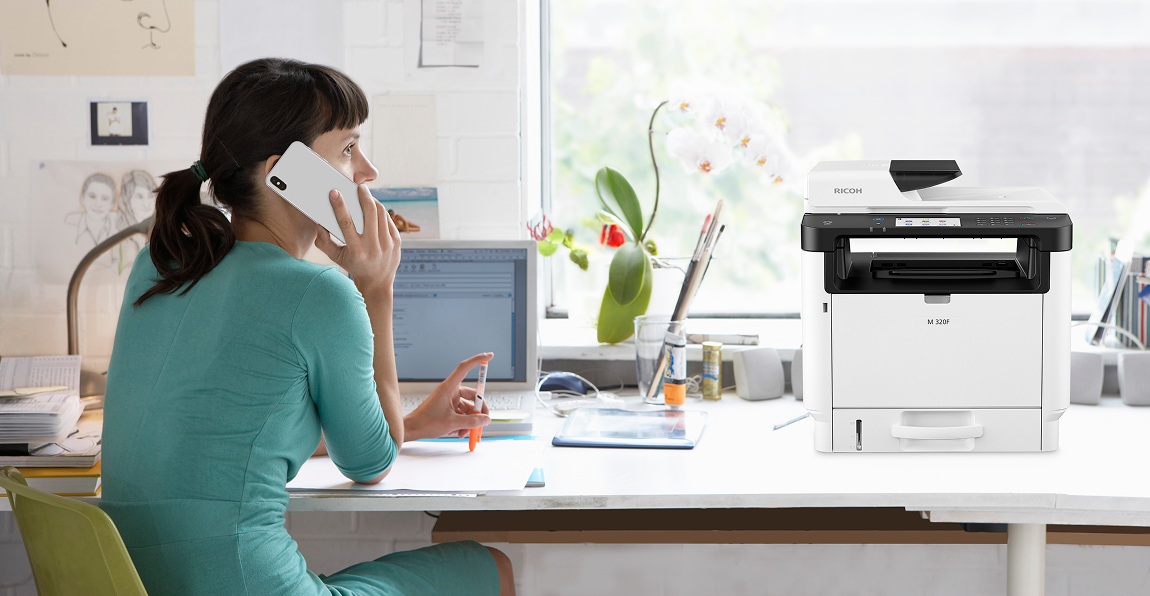
Print. Scan. Manage.
All in a smarter way.
Take your print management to the next level with Ricoh Smart Suite and enjoy a more connected, secure and productive experience
Discover Ricoh Smart SuiteSimpler printing.
Smarter management.
Take your print infrastructure to the cloud with Ricoh CloudStream. Centralize management, optimize costs and print securely from anywhere.
Discover Ricoh CloudStream
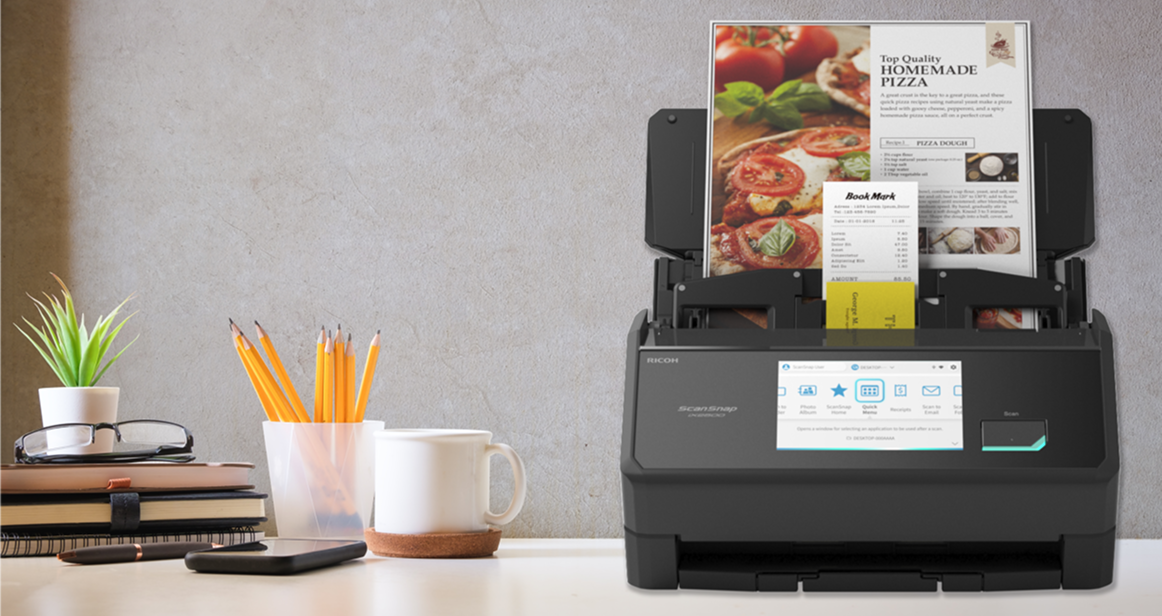
Drive digitization through innovation
Turn your paper information into actionable data with our line of Ricoh scanners
Discover Ricoh scannersMore control.
Fewer manual tasks.
Manage your Ricoh devices in real time with @Remote. Automate meter reading, get maintenance and supplies alerts, and update firmware quickly and easily.
Discover @Remote
Create a smarter work environment, starting today
Discover how automating print workflows can help your team work more efficiently and collaboratively.