



Entrust repetitive tasks to AI and focus on the future
Automate, integrate, and optimize your business processes with an intelligent AI-powered platform.
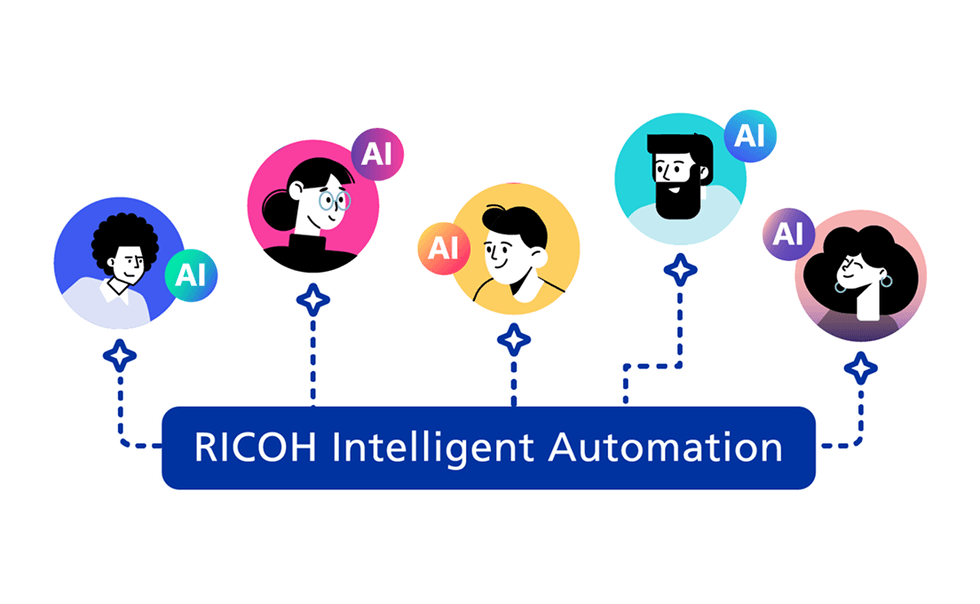
Features that simplify your AI document management
- Intuitive interface from the first use: simple user experience that allows you to quickly adopt the solution.
- Analysis-based management: view data, progress, and performance on a single dashboard.
- Code-free workflows: easily create and customize processes.
- AI for document automation: automatically and simultaneously extract, split, and classify multiple documents, optimizing time and increasing efficiency.
Features
Citizen Developer SaaS Platform: easy to get started, easy to use
 Integration A broad marketplace of reusable connectors. | 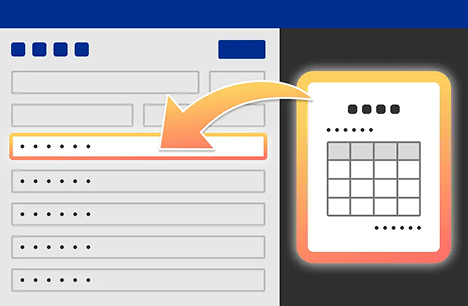 AI Documentation AI automatically extracts relevant information from documents. | 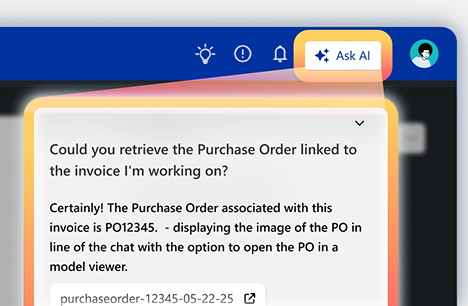 AI Support Ask AI to search for information or handle your tasks. |  Total Automation Improves efficiency throughout the entire process lifecycle. |
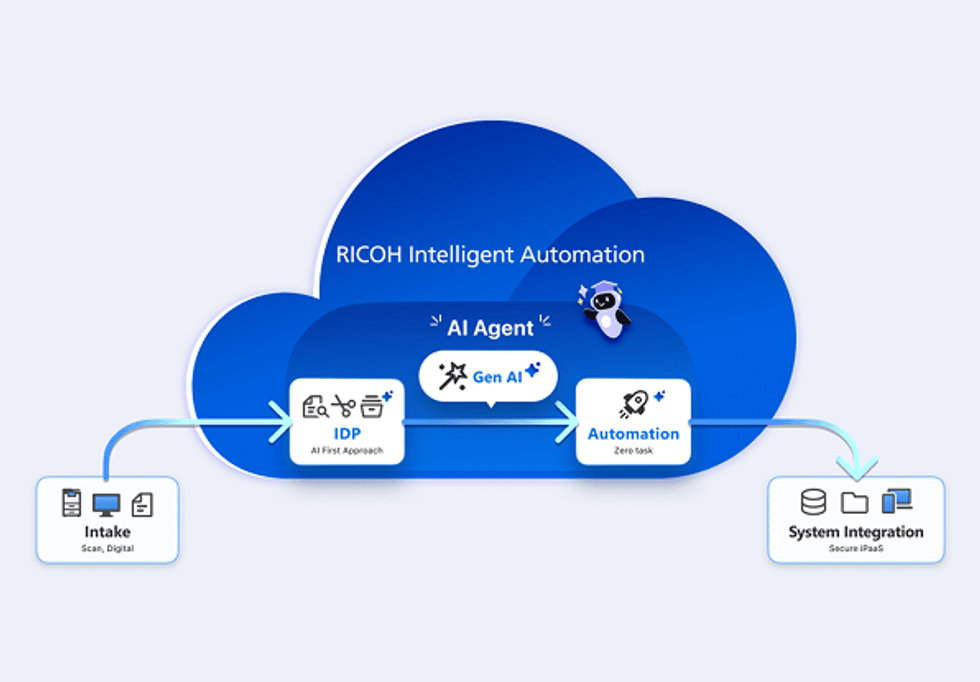
From invoices to contracts, optimize your business processes.
RICOH Intelligent Automation is responsible for extracting, processing, and integrating data in a continuous workflow. In addition, generative AI automates individual workflows. AI agents oversee the entire process and continuously improve it to adapt it to your environment, which translates into greater operational efficiency.
Talk to your virtual assistant to find the information you need, get help with your tasks, and much more:
When embedding a document
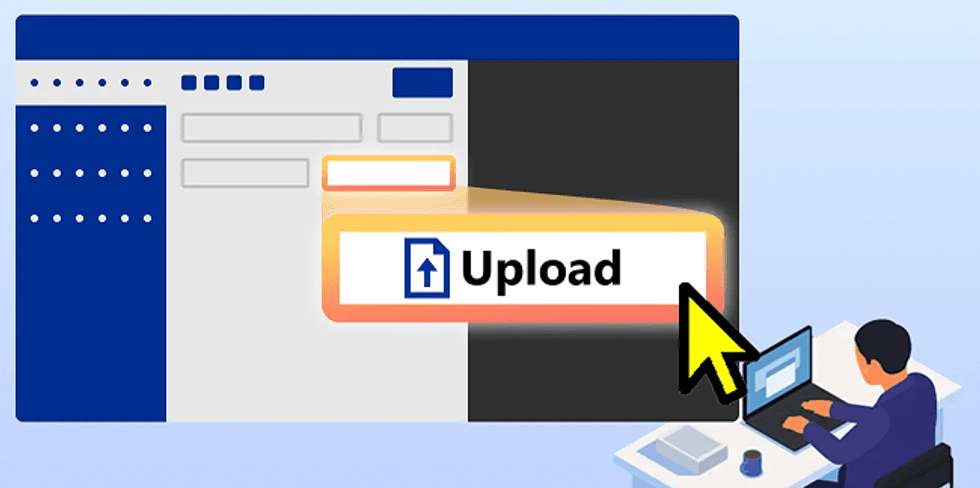
Upload your document, whether in paper or digital format, with a single click.
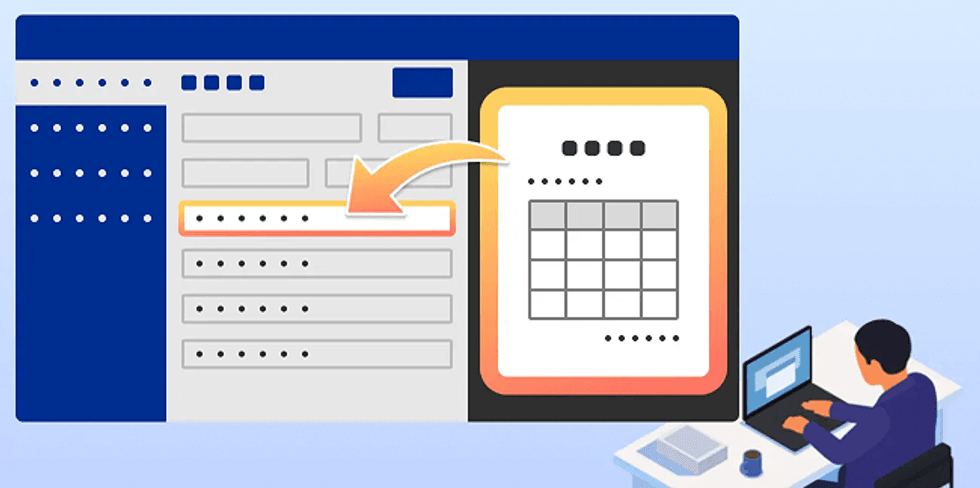
RIA automatically classifies and converts to data.

Review the content and complete the onboarding process.
Ao revisar e aprovar os dados extraídos
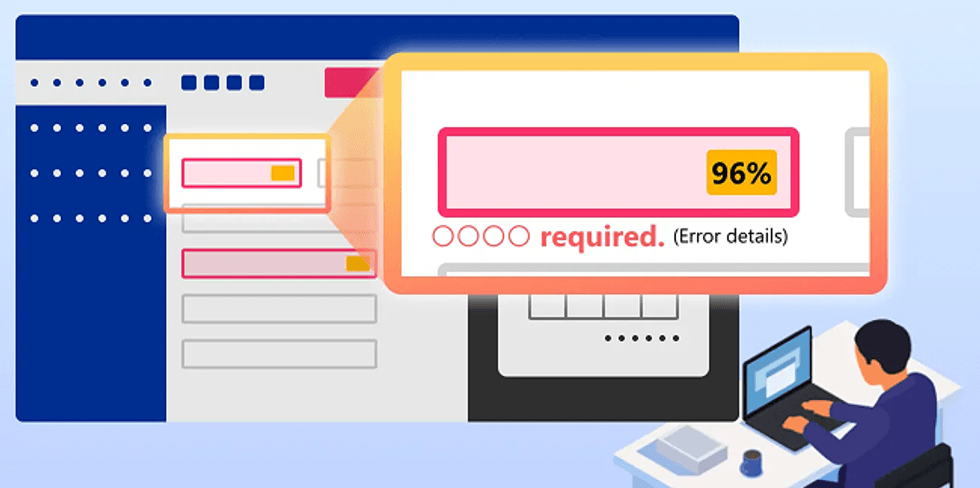
Check the extracted data and correct any errors.
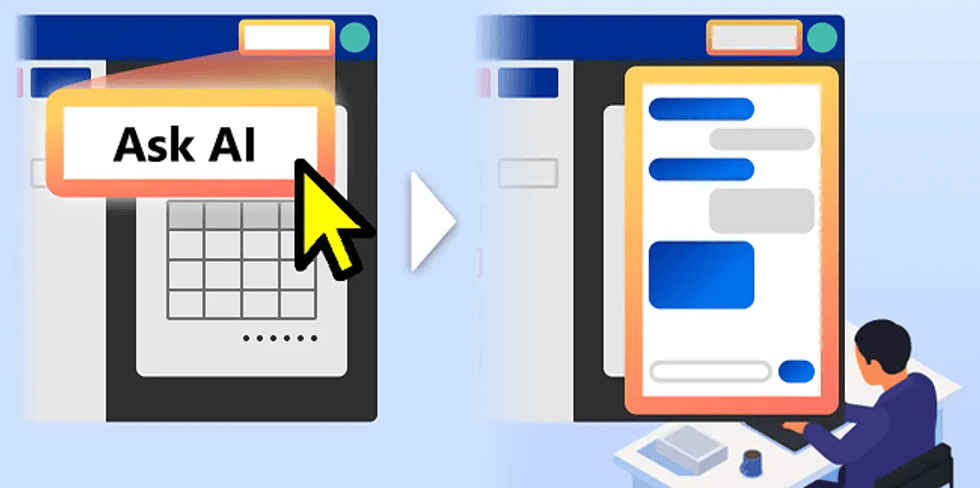
You may request clarification or further reference information from RIA whenever necessary.
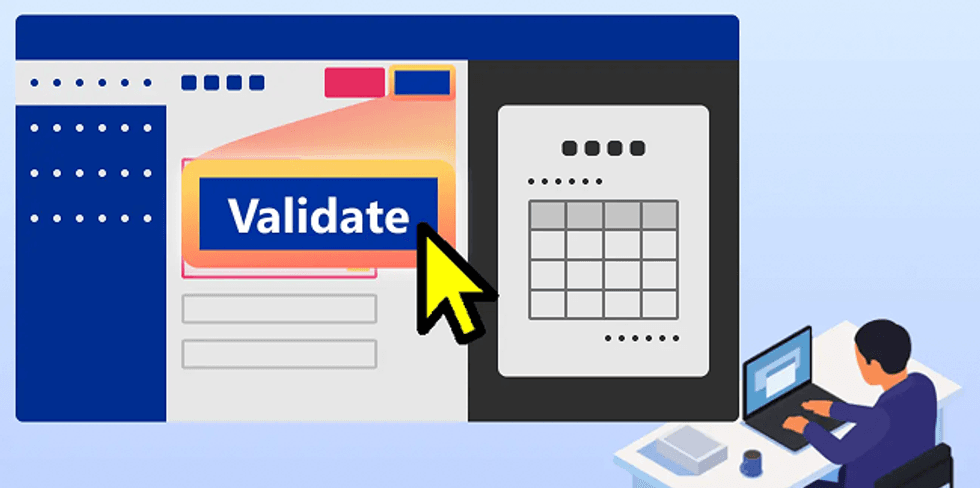
If the content is correct, it moves on to the approval process.
Ao supervisionar e gerenciar as operações

Click on “Analytics”.
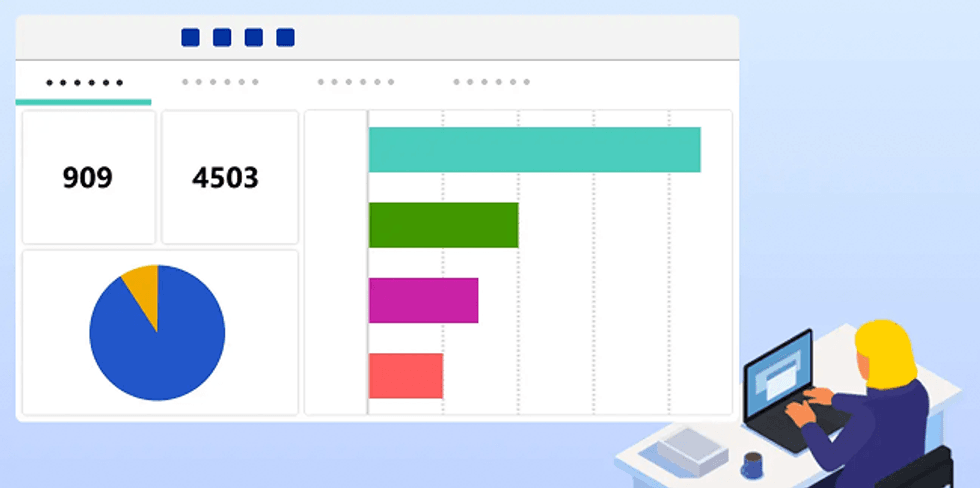
In the control panel, you can get an overview of all processing activities.
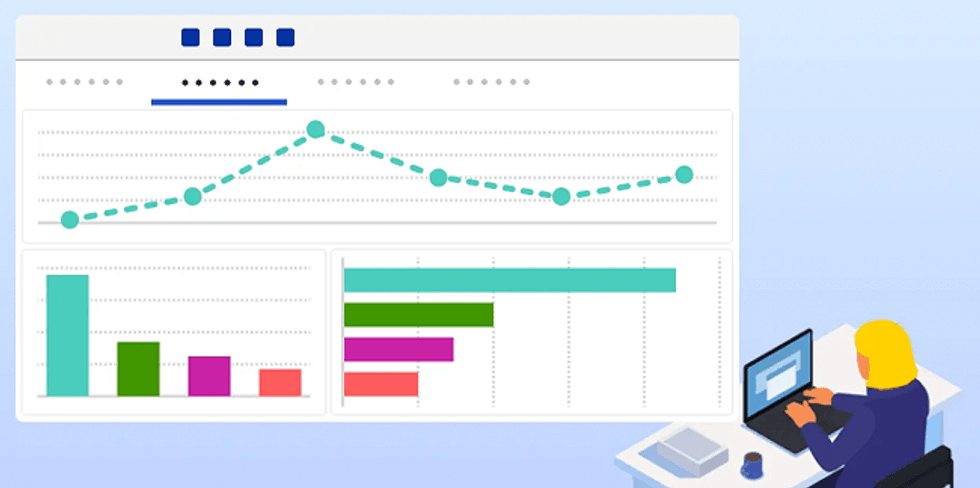
Check out the details by category to find ideas that will help you improve your operations.






